
-
Frontpage
-
Getting Started
- Overview
- How to join
- Contacts & Support
-
Use cases
- Suppliers
- Transport companies
- Receiver of materials
-
How to use
- Vehicles & Drivers
- Waybills
-
Orders

-
Automation
- Volume measurement (Loadmon)
- Weighbridge
- Vehicle access control (VAC)
-
Integrations
- API Reference
-
Frequently asked questions
- FAQ
Vehicles and drivers
Transport section stores all information about the drivers and transport companies. Only registered companies can transport material. Vehicles are linked to transport companies and drivers are validated, to minimize the risk of wrong data making it on to waybills.
To enter trucks number on a waybill it has to be assigned to a transport company. The company must also have the Transport role enabled.
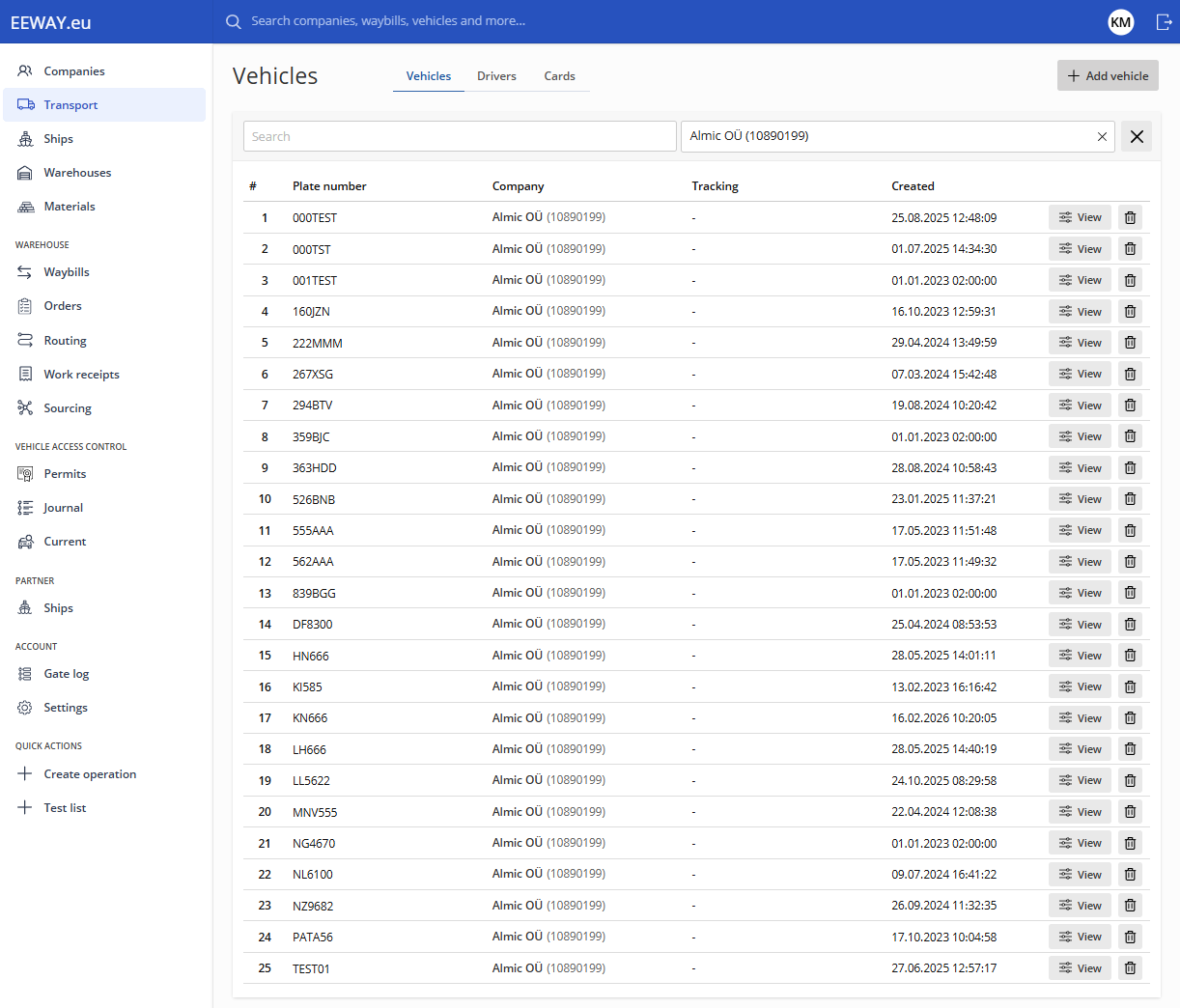
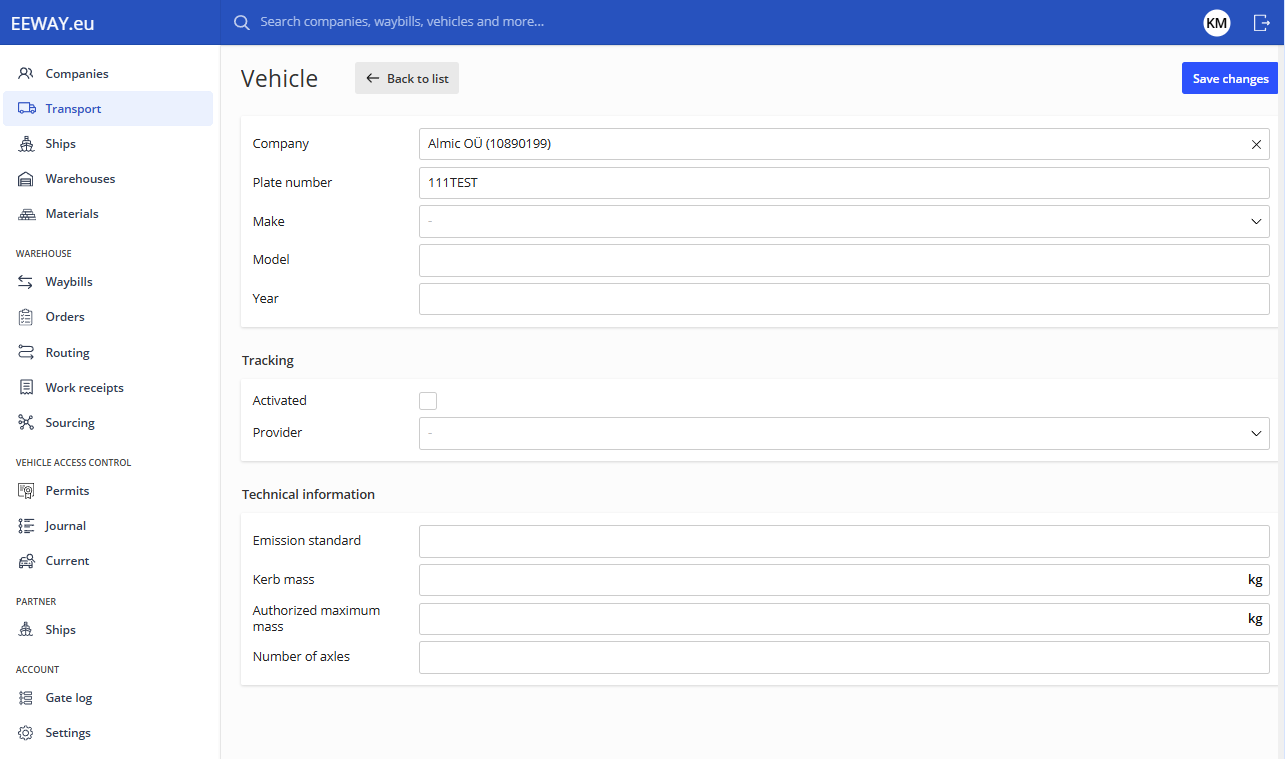
To add a transport vehicle, press Add vehicle in the top right corner. Choose the correct company from the list and enter valid plate number, other information is optional. Also from here tracking can be turned on for each vehicle if it has the capability for it. Then press Save changes to save the vehicles information.
For drivers, we have created an optimised web platform, where new waybills can be created quickly and conveniently.
The platform can be found here: https://lv.eeway.eu
All drivers must be entered in the system. To do so, go to the Transport menu and under the drivers sub-section press Add driver in the top right corner.
The following window will open:
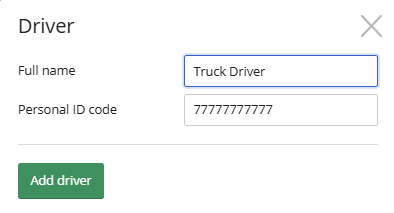
After entering the correct data press Add driver.
In the next section add the drivers phone number, language and country.
Press Save changes to save the driver in to the system.
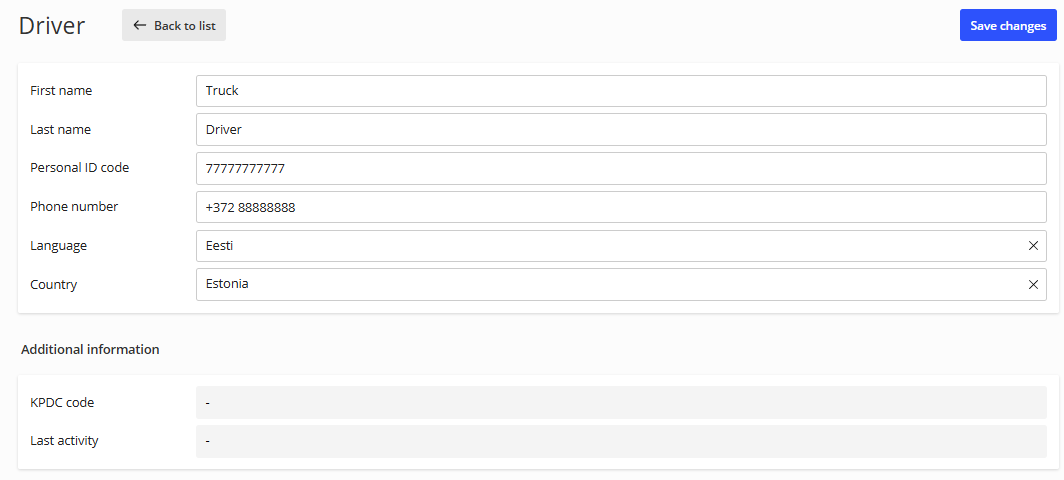
In the drivers section you can now see the driver that was added. To generate the SMS needed to log in to Drivers App press Generate code.

Upon pressing Generate code, the following message will be shown:
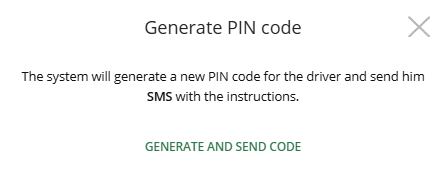
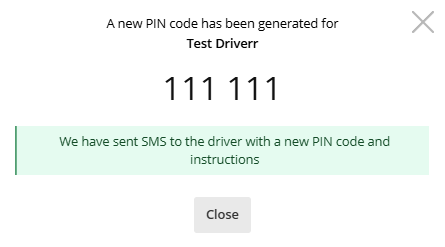
Press Generate and send code to send an SMS to the driver.
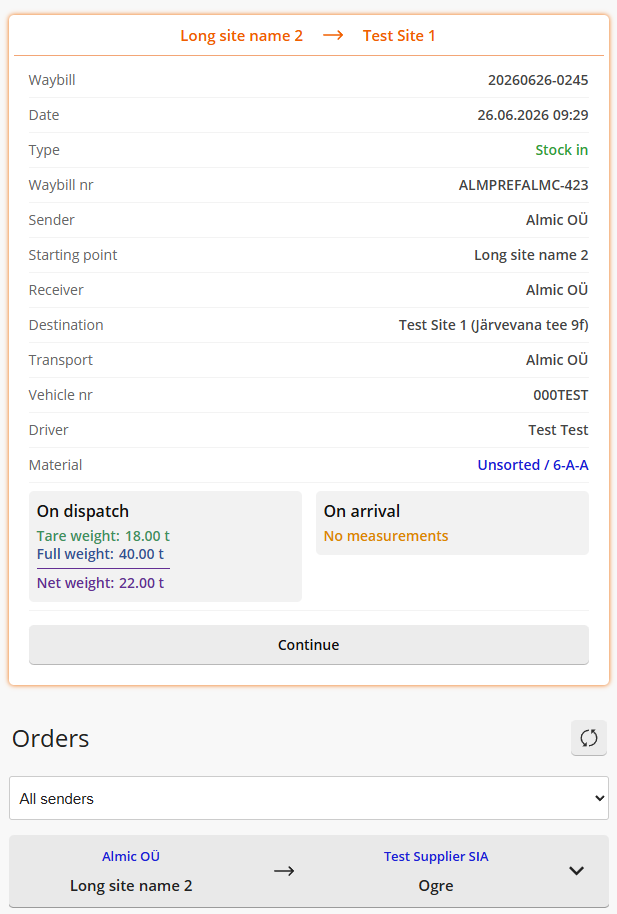
Below that, all Orders are visible and by clicking on them, a new waybill can be generated.
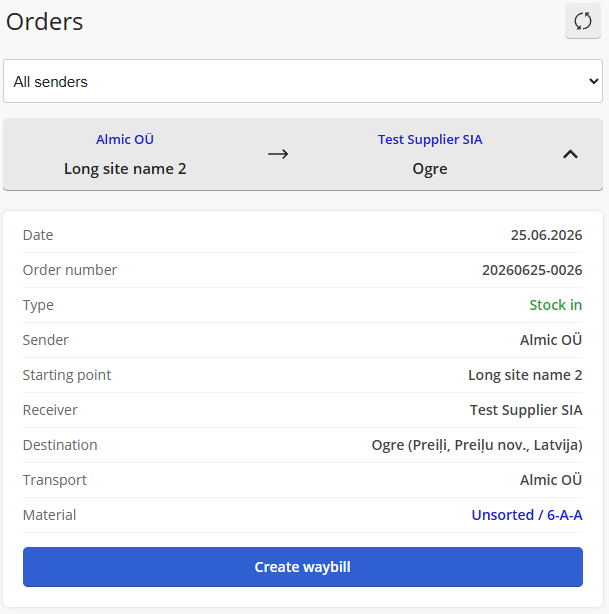
Next up a window will open showing the material. Press Create.
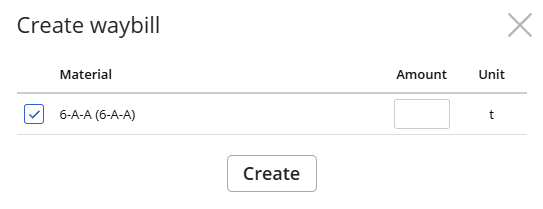
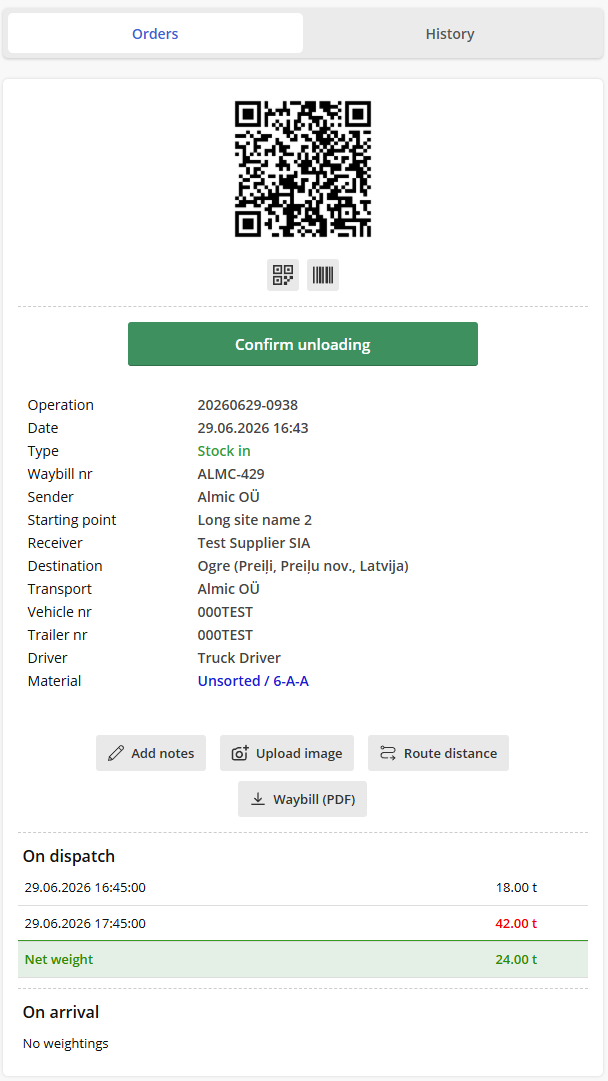
The driver will be generated a waybill with QR code than can be used for weighing or measuring material volume. When the weighings are done they will also be shown under the On dispatch or On Arrival sections.
To enter trucks number on a waybill it has to be assigned to a transport company. The company must also have the Transport role enabled.
To add a transport vehicle, press Add vehicle in the top right corner. Choose the correct company from the list and enter valid plate number, other information is optional. Also from here tracking can be turned on for each vehicle if it has the capability for it. Then press Save changes to save the vehicles information.
For drivers, we have created an optimised web platform, where new waybills can be created quickly and conveniently.
The platform can be found here: https://lv.eeway.eu
All drivers must be entered in the system. To do so, go to the Transport menu and under the drivers sub-section press Add driver in the top right corner.
The following window will open:
After entering the correct data press Add driver.
In the next section add the drivers phone number, language and country.
Press Save changes to save the driver in to the system.
In the drivers section you can now see the driver that was added. To generate the SMS needed to log in to Drivers App press Generate code.
Upon pressing Generate code, the following message will be shown:
Press Generate and send code to send an SMS to the driver.
To maintain a consistent style with the previous translations, you could phrase it like this:
For logging into the web platform, the driver must enter their vehicle and trailer registration numbers, as well as a PIN code. After clicking Search orders, the driver can see orders assigned to them.
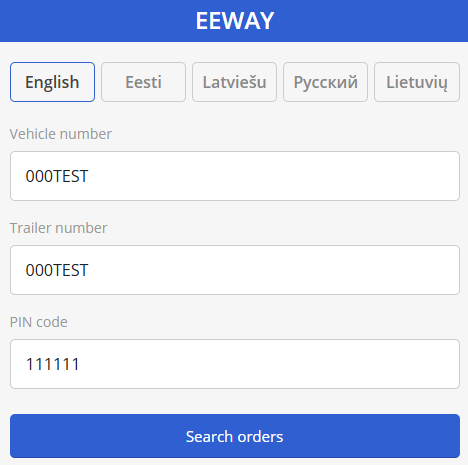
Below that, all Orders are visible and by clicking on them, a new waybill can be generated.
Next up a window will open showing the material. Press Create.
The driver will be generated a waybill with QR code than can be used for weighing or measuring material volume. When the weighings are done they will also be shown under the On dispatch or On Arrival sections.